
Free app · iPhone and Android
Workshop Tools
The setting-out I do on every job, on your phone: hinges, drawer runners, unit sizes, panelling, flooring and stud walls. Every size in mm, and it works with no signal on site.
- Free, with no sign-up
- iPhone and Android, no app store
- Works with no signal once opened
- Jobs saved on your phone
iPhone: Share, then Add to Home Screen. Android: Install app in the browser menu.
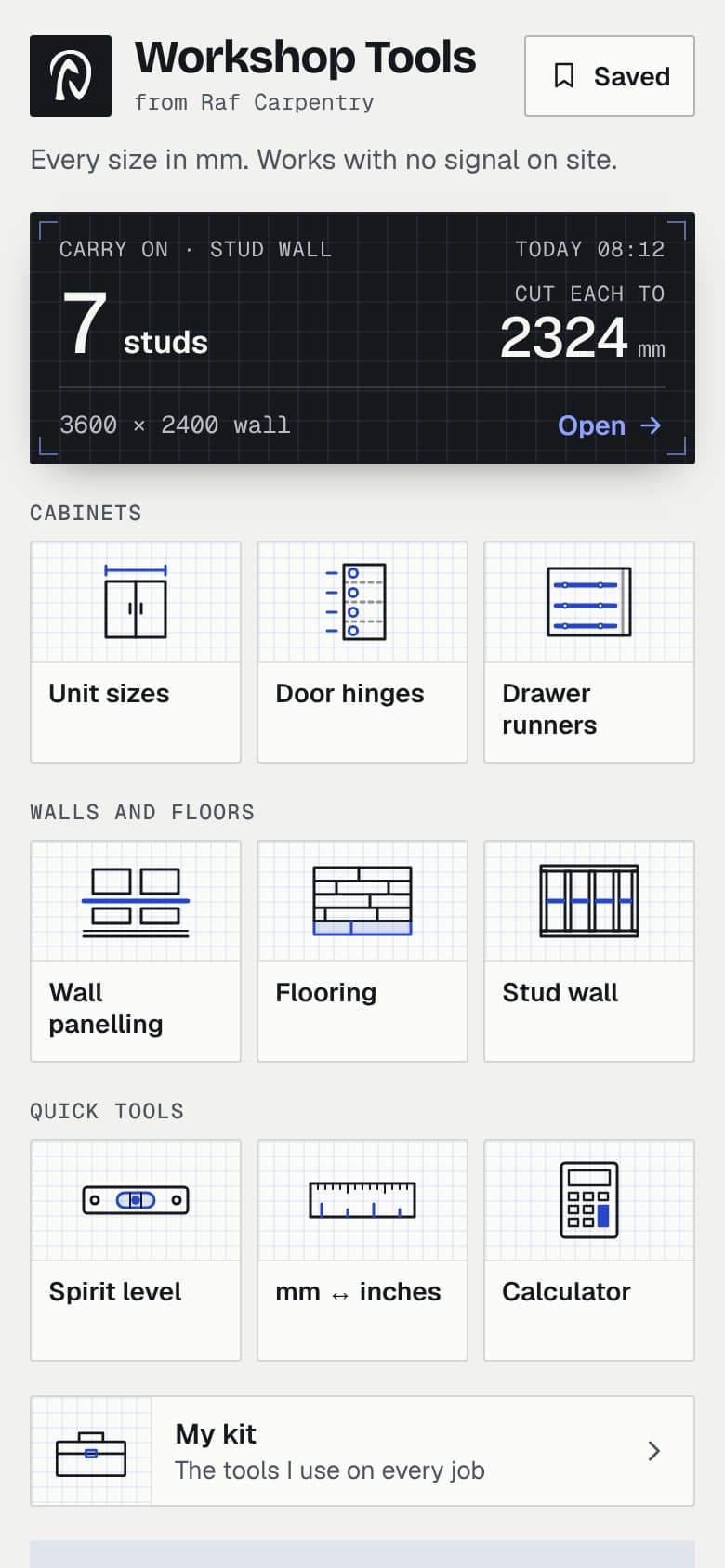
Ten tools in one
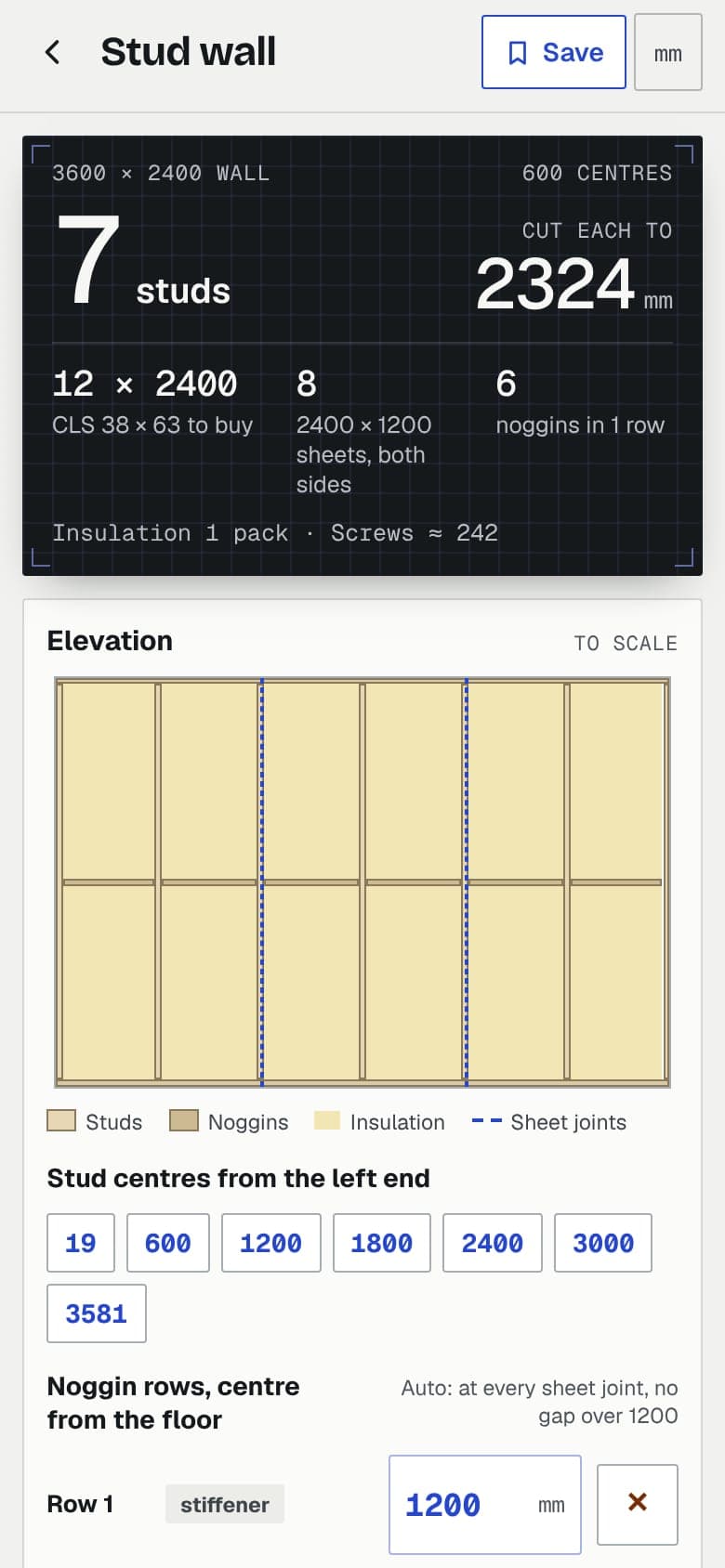
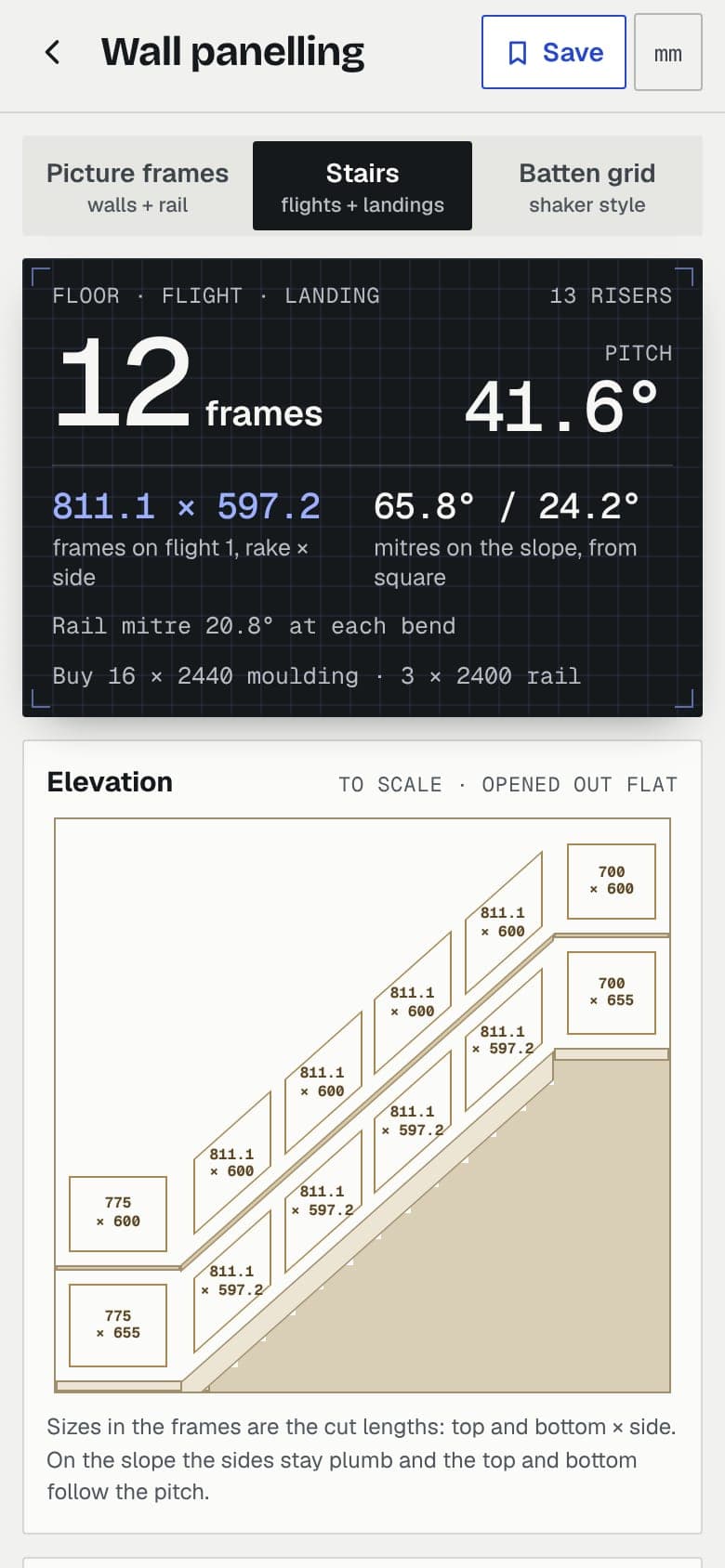
Type the sizes in: the answer comes first, big enough to read at arm’s length, then the drawing to scale. It opens where you left off.
- 01
Unit sizes
Doors, shelves, hanging rail and full height for a wardrobe or cupboard, from the outside sizes.
- 02
Door hinges
Hinge centres that miss every shelf, marked from the top or the bottom of the door.
- 03
Drawer runners
Where each pair of runners goes and the size of every drawer box and front.
- 04
Wall panelling
Picture frames on walls and up the stairs, or a batten grid: every mark, cut and mitre.
- 05
Flooring
Packs to order, the number of rows and how wide the last row comes out, room by room.
- 06
Stud wall
CLS, 2×3 or 2×4: studs, plates, noggins, the lengths to buy, plasterboard and insulation.
- 07
Spirit level
Set zero on any surface, flip check for true level, the mm to pack the low end, and a tone or a voice when your hands are full.
- 08
mm ↔ inches
Both ways, to the nearest 1/8, 1/16 or 1/32, with timber lengths and door sizes ready to tap.
- 09
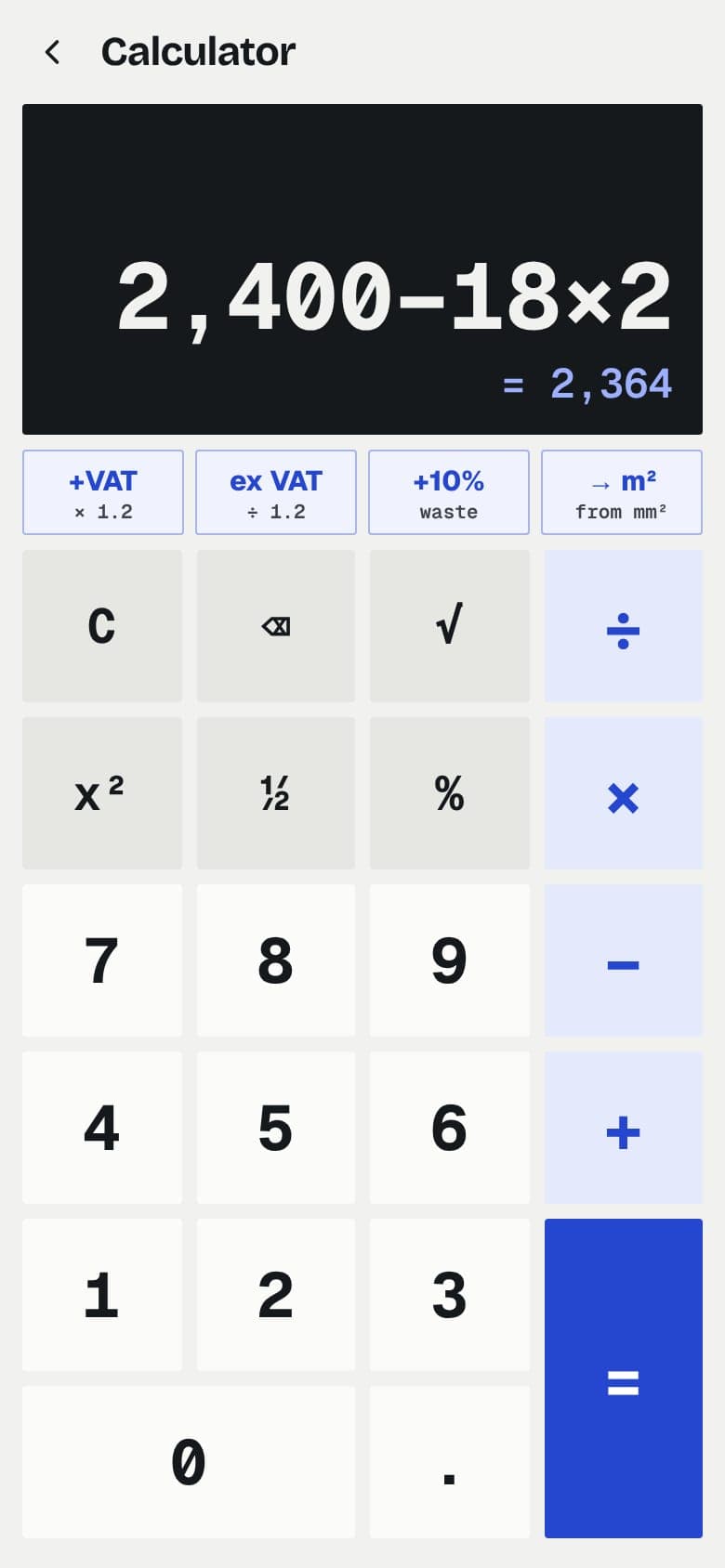
Calculator
Big keys, VAT on and off, 10% waste, square metres and your last answers.
- 10
My kit
The tools I use on every job, with a link to today’s price.
Put it on your phone
A few taps, once. After that it opens from your home screen, full screen, like any other app.
iPhone
- 1
Open the app
In Safari, open the app from this page or type rafcarpentry.com/app.
- 2
Tap Share
The square with the arrow. On newer iPhones it sits in the menu beside the address bar.
- 3
Add to Home Screen
Scroll down the list, tap Add to Home Screen, then Add.
Android
- 1
Open the app
In Chrome, open the app from this page or type rafcarpentry.com/app.
- 2
Install
Tap Install it on this page if it shows, or open the browser menu (the three dots).
- 3
Install app
Tap Install app or Add to Home screen. It shows up with your other apps.
Questions
Is it really free?
Yes. Every tool, with no sign-up and no adverts. My kit links to the tools I use on Amazon: if you buy through one, I earn a small fee and it costs you nothing extra.
Does it work with no signal?
Yes, once it has been opened with signal. It keeps a copy of itself on the phone, so it opens in a basement, a loft or a new build with no reception.
Where are my saved jobs?
On your phone only. The app opens where you left off (Carry on, at the top of its home screen), and Save keeps a job with every number as you left it. Nothing is sent anywhere.
Why is it not in the App Store?
It is a web app: it goes on your home screen straight from the browser, opens full screen like any other app and updates by itself. No store, no download to wait for.
Who made it?
Me, Raf, a carpenter in London. These are the sums I do on every job, put where I can reach them on site.