
Free games · iPhone and Android
Workshop Games
Four short games about timber, nails and tape measures, with real sizes. Five new tapes and a new board every day, the same for everyone, so you can see who measures best.
- Free, no sign-up and no adverts
- iPhone and Android, no app store
- Plays with no signal once opened
- New ones every day at midnight
iPhone: Share, then Add to Home Screen. Android: Install app in the browser menu.
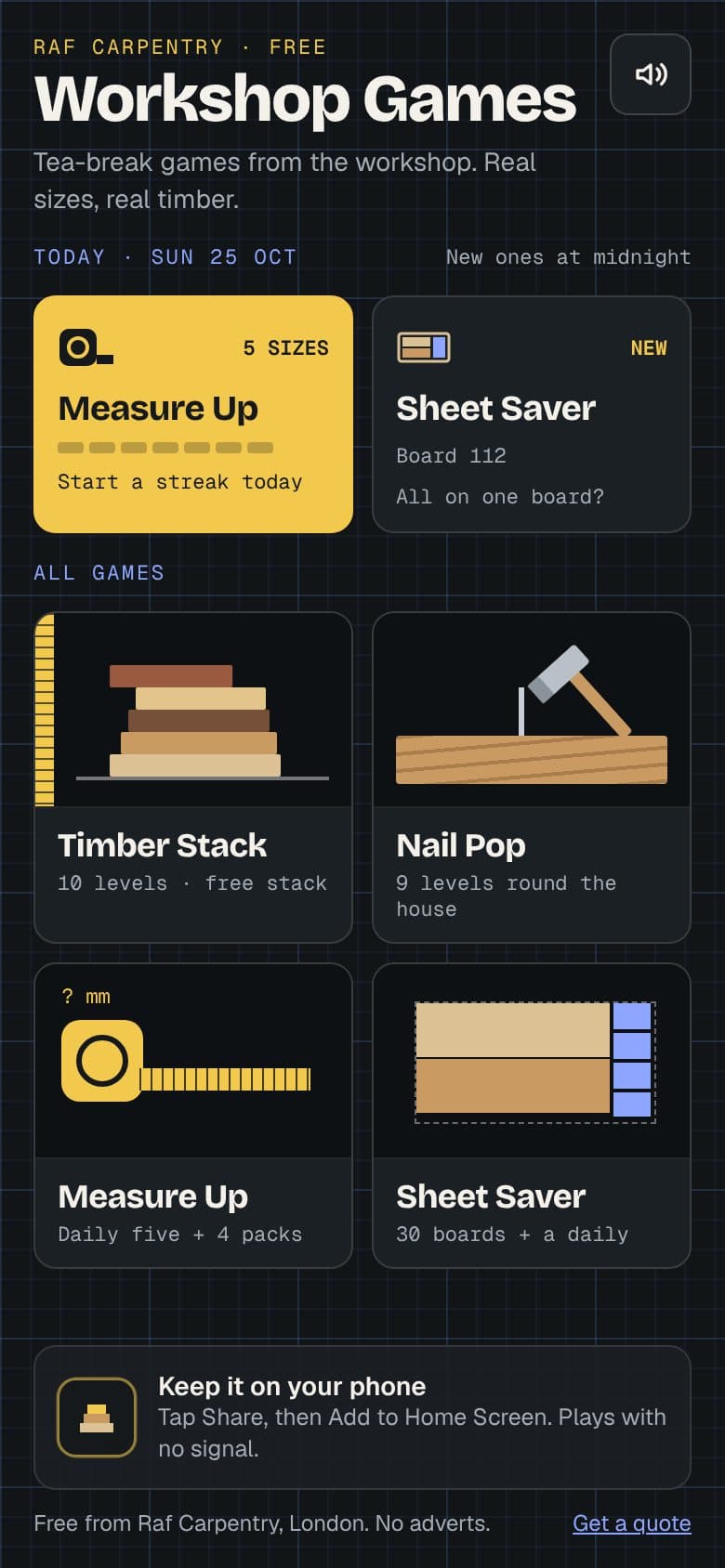
Four games
A minute or two each, with sounds you can turn off. Every one has levels to work through and stars to earn.
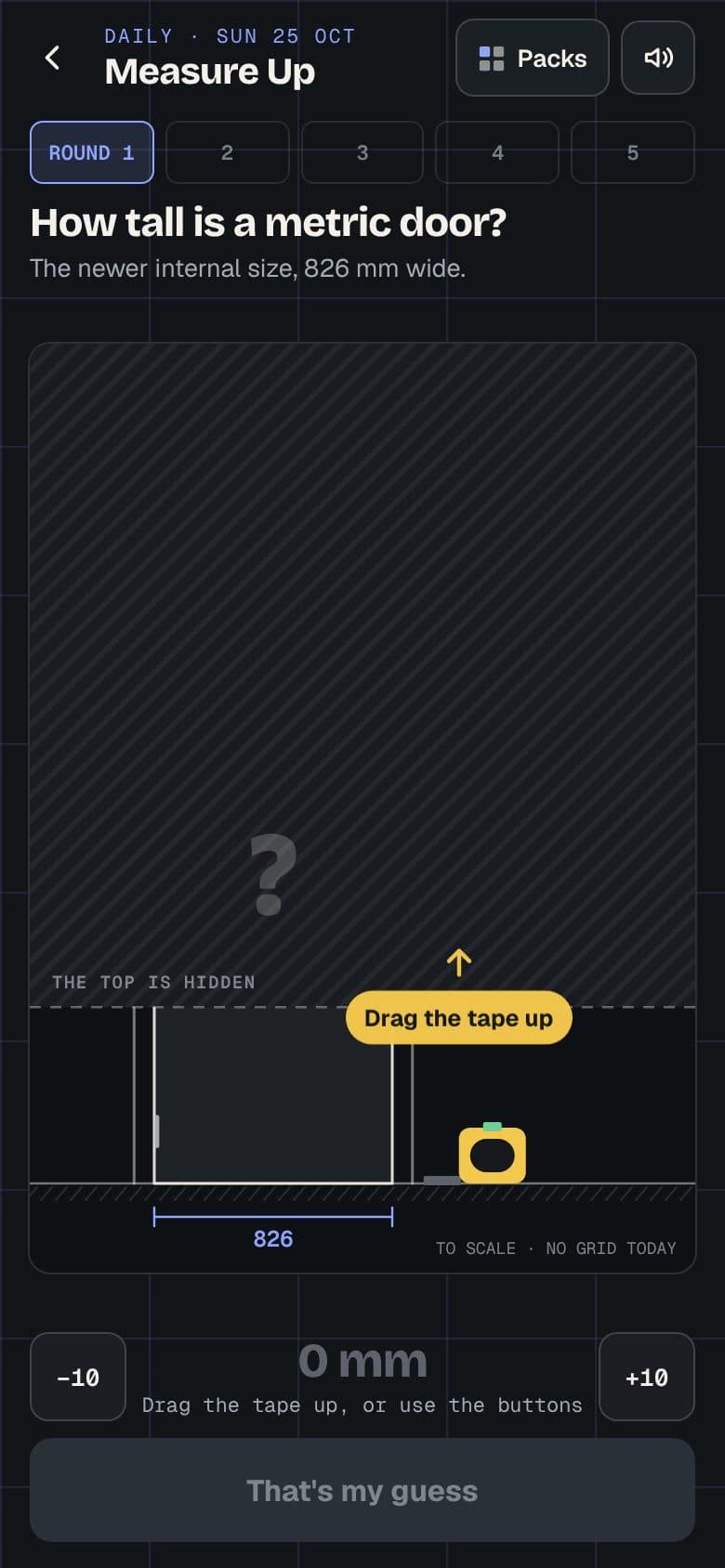
Measure Up
DailyPart of a door, a worktop or a sheet of ply is hidden. Pull the tape up to where you think it ends, then see how close you were.
Five new tapes every day, harder by the weekend, plus four practice packs
Play Measure Up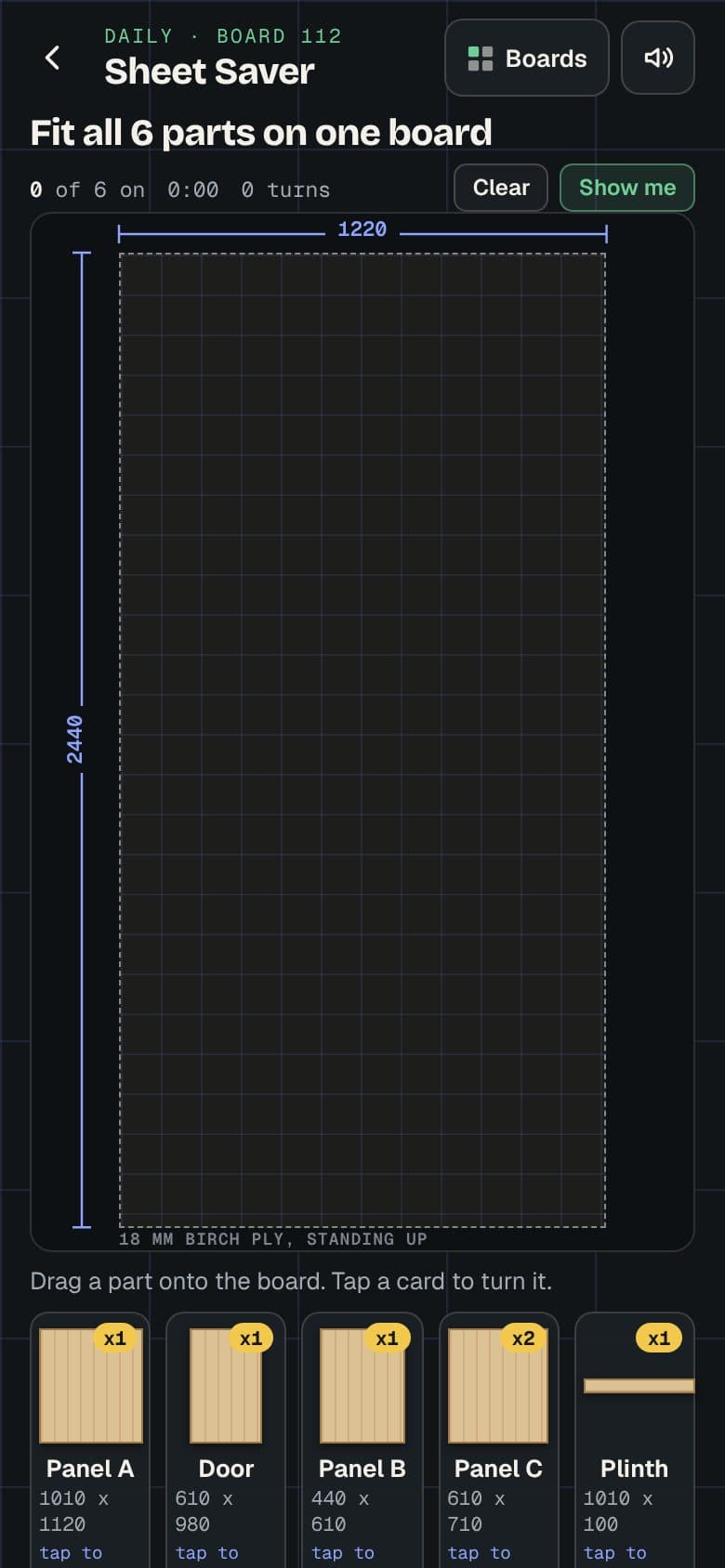
Sheet Saver
DailyFit every part on one 2440 x 1220 board. Turn them, mind the grain, leave room for the saw.
A new board every day, plus 30 boards to work through
Play Sheet Saver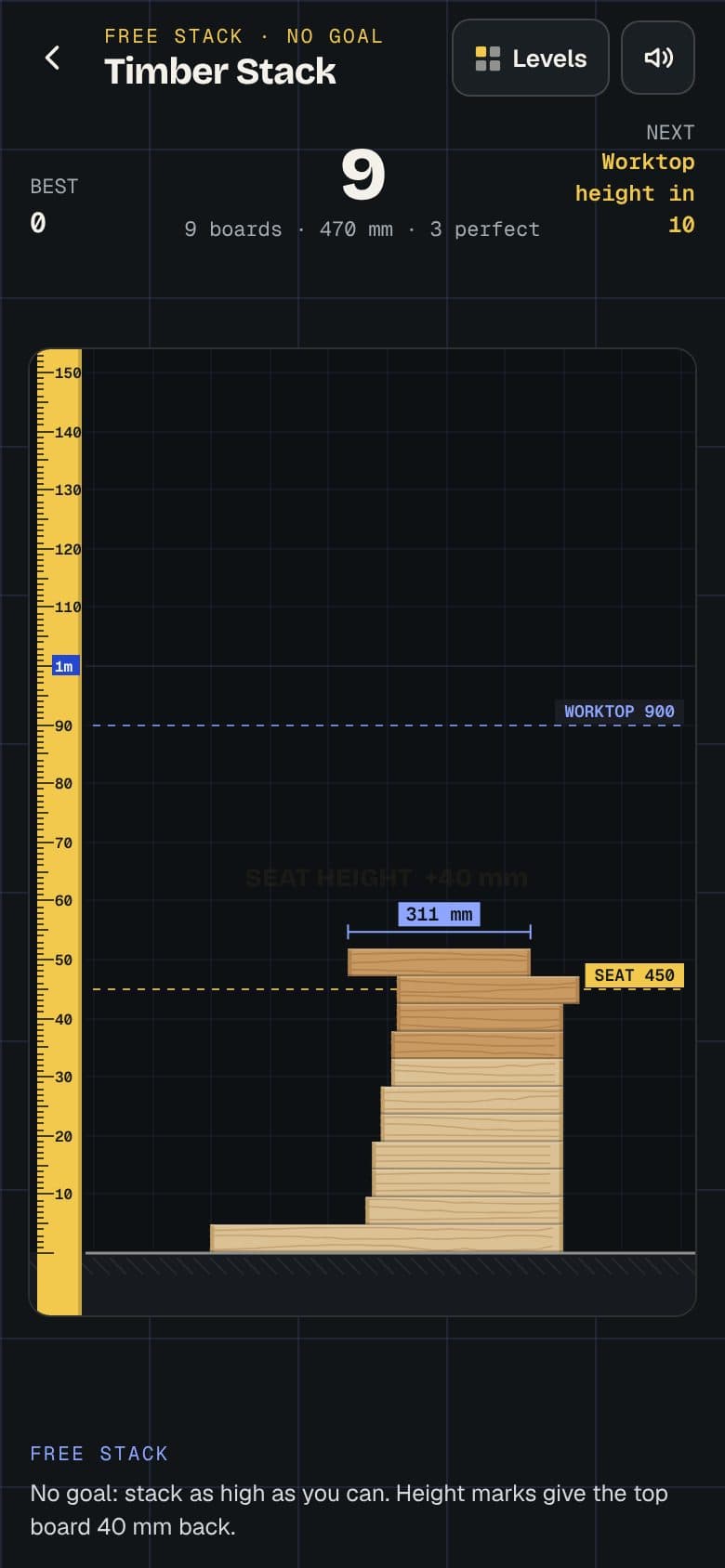
Timber Stack
Drop each board on the one below. What hangs over is cut off, so the stack gets narrower. How high can you go?
10 levels from seat height to ten metres, plus a free stack
Play Timber Stack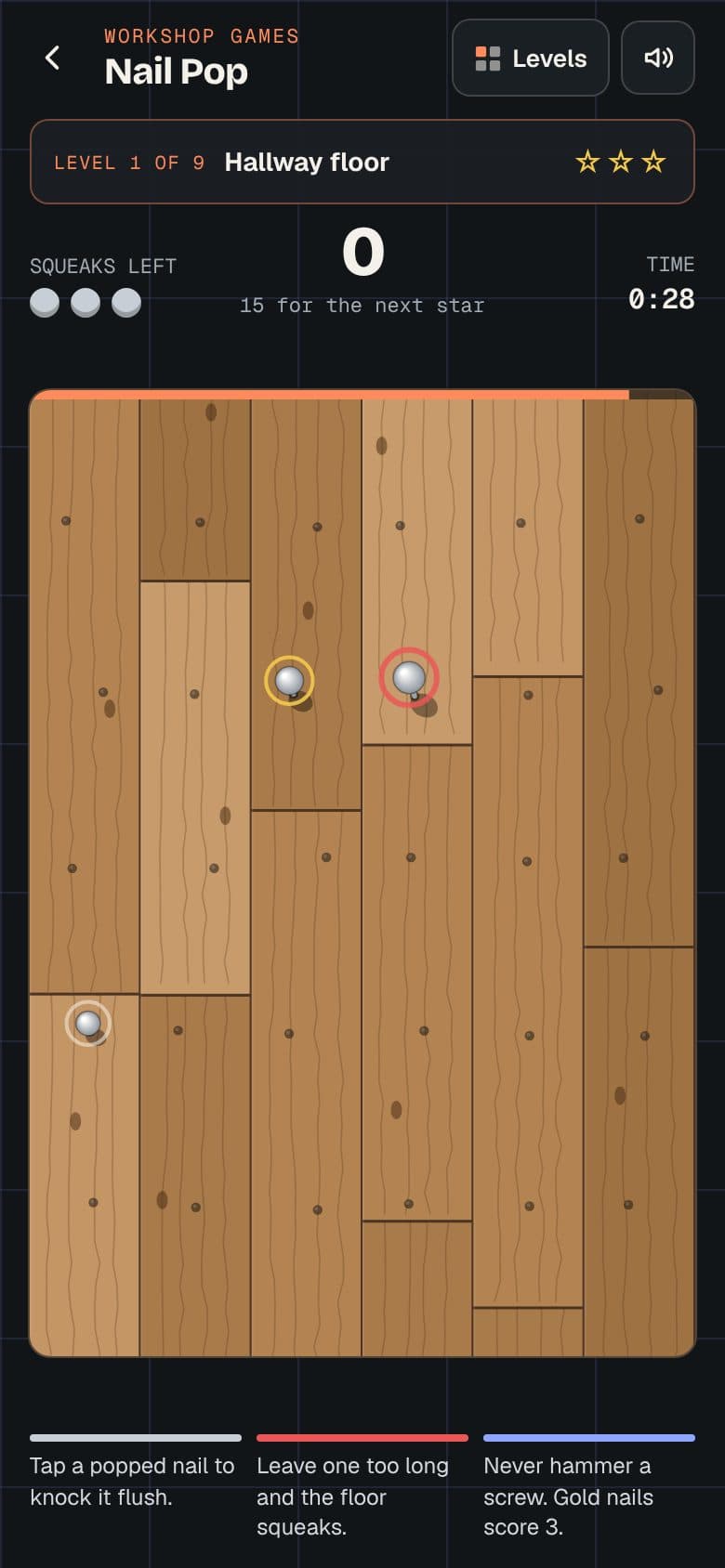
Nail Pop
Nails pop up across the floor, the decking, the loft. Knock them flush before they squeak, and leave the screws alone.
9 levels, from a hallway floor to the whole house
Play Nail Pop
Beat your mates
After a game, Share sends your score as a link, with a picture of it in WhatsApp. They tap it and play the same game: today's tapes, the same board or the same level.
The daily ones are the same for everyone in the country, so the whole site team can try today's board at break and compare.
What Share sends
Measure Up, Sun 25 Oct: 78 mm off over 5 tapes.
■■■■■ ■■■■□ ■■■■■ ■■■□□ ■■■■□
Can you beat it?
rafcarpentry.com/tools/games/beat?g=measure…
Put them on your phone
A few taps, once. After that they open from your home screen, full screen, like any other app.
iPhone
- 1
Open the games
In Safari, open them from this page or type rafcarpentry.com/games.
- 2
Tap Share
The square with the arrow. On newer iPhones it sits in the menu beside the address bar.
- 3
Add to Home Screen
Scroll down the list, tap Add to Home Screen, then Add.
Android
- 1
Open the games
In Chrome, open them from this page or type rafcarpentry.com/games.
- 2
Install
Tap Install it on this page if it shows, or open the browser menu (the three dots).
- 3
Install app
Tap Install app or Add to Home screen. It shows up with your other apps.
Questions
Is it really free?
Yes. All four games, every level, with no sign-up and no adverts.
Are the sizes real?
They are the sizes I work to: a 1981 mm door, a 900 mm worktop, a 2440 x 1220 sheet of ply, 47 mm sawn timber. The From my jobs pack in Measure Up is taken from things I have built.
What changes every day?
Measure Up has five new tapes and Sheet Saver a new board at midnight, London time, the same for everyone. Measure Up gets harder through the week: by the weekend more is hidden and the grid goes.
Does it work with no signal?
Yes, once the games have been opened with signal. They keep a copy on the phone, so they play in a loft, on the Tube or on a site with no reception.
Where are my scores kept?
On your phone only: your stars, your best stack and your Measure Up streak. Nothing is sent anywhere. Share sends a link with the one score you chose to share.
Who made them?
Me, Raf, a carpenter in London. Something for the tea break, about the things I measure, cut and fix every day.